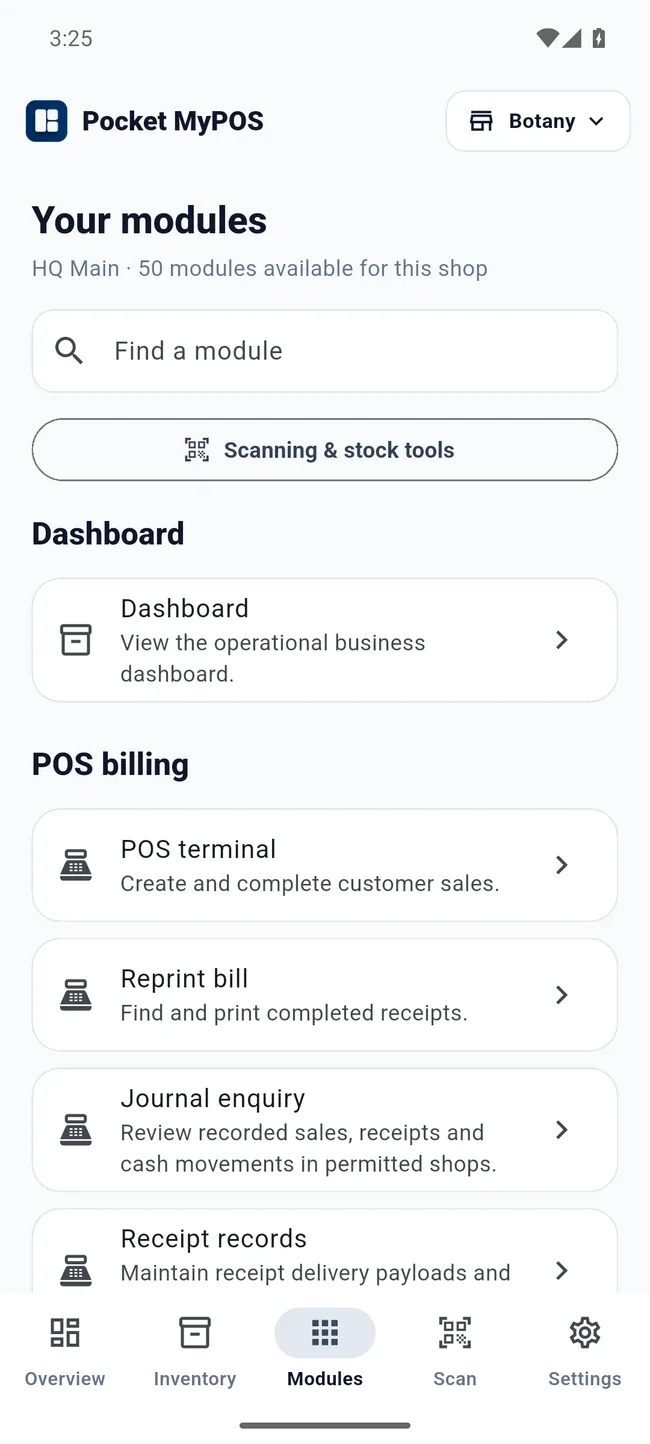
Built across
your platforms.
Web applicationsAndroid & iOSDesktop softwareSaaS & integrations

Three selected projects

Different challenges.
Thoughtful solutions.

Explore real interfaces, practical ideas and the systems behind them.

Explore all 74 project stories

What we do

From a single website
to the systems that
run your business.

Start with what you need to achieve. We’ll help choose the platform and build the solution around it.

Explore our services
The original ideaOriginal Tech Solution Consultancy logo with its gold hanging bulb and black brushstrokeA solution in every challenge.

What our light stands for

When the way is unclear,
we find the next step.

The bulb in our logo is more than a symbol for technology. It represents the moment a difficult problem becomes a clear idea.

We bring that thinking to your software: understand the challenge, shape a practical solution, and turn it into something people can use.

ChallengeClaritySolution

How we work

Clear thinking.
Considered delivery.

We bring the problem into focus, build with your feedback and help you put the result to work.

  1. 01 / Understand

    Get to the real problem.

    We explore your goals, users and existing workflows before defining the scope.

  2. 02 / Design & build

    Make it useful.

    We develop the interface and the system together, with regular opportunities for your feedback.

  3. 03 / Launch & improve

    Keep moving forward.

    We prepare for release, support the handover and plan the improvements that come next.

A closer look

See the work
in motion.

Short recordings from the actual interfaces. Choose a walkthrough and explore at your own pace.

Recorded navigation23 seconds · silent

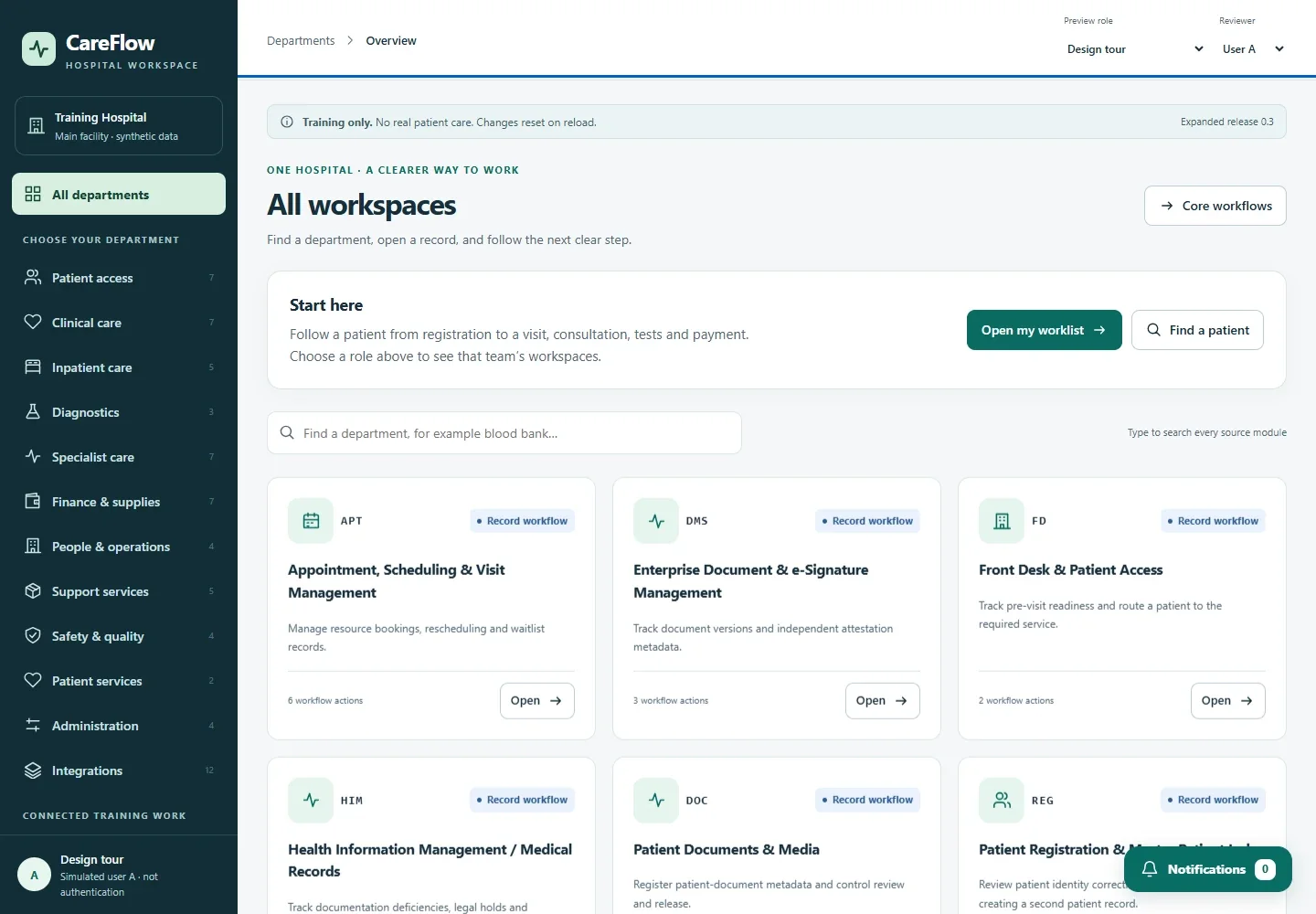
CareFlow HIS

CareFlow training-preview tour: connected workspaces, aggregate charts and local analytics. Synthetic data only; not for clinical use.

Explore the case study
Read the walkthrough
  1. CareFlow browser preview. Synthetic training data only.
  2. Open the executive overview and its aggregate reporting filters.
  3. Review patient activity and department charts in the training dashboard.
  4. Open the local analytics workspace. Results are demonstration evidence.
  5. Return to connected workspaces. This preview is not for clinical use.
Recorded navigation24 seconds · silent

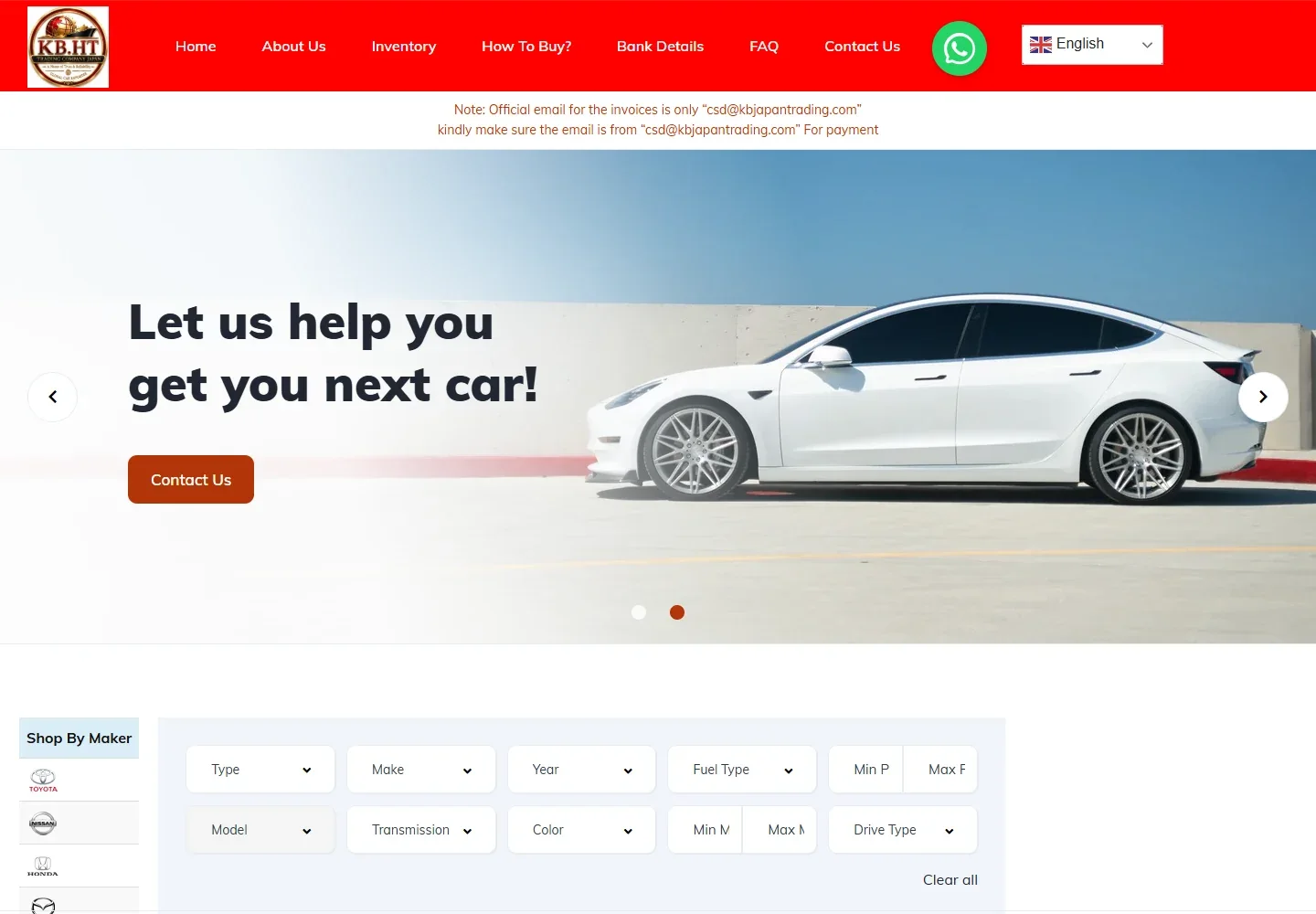
KB Japan Trading

Recorded public navigation from the KB Japan Trading homepage to inventory and a vehicle detail page. Loading pauses shortened; no enquiry submitted.

Explore the case study
Read the walkthrough
  1. KB Japan Trading. Recorded public website navigation.
  2. Browse the current vehicle inventory and visible specification summaries.
  3. Open a public vehicle listing for photos, price and specifications.
  4. Review the vehicle detail page. No enquiry or purchase is submitted.
Recorded navigation41 seconds · silent

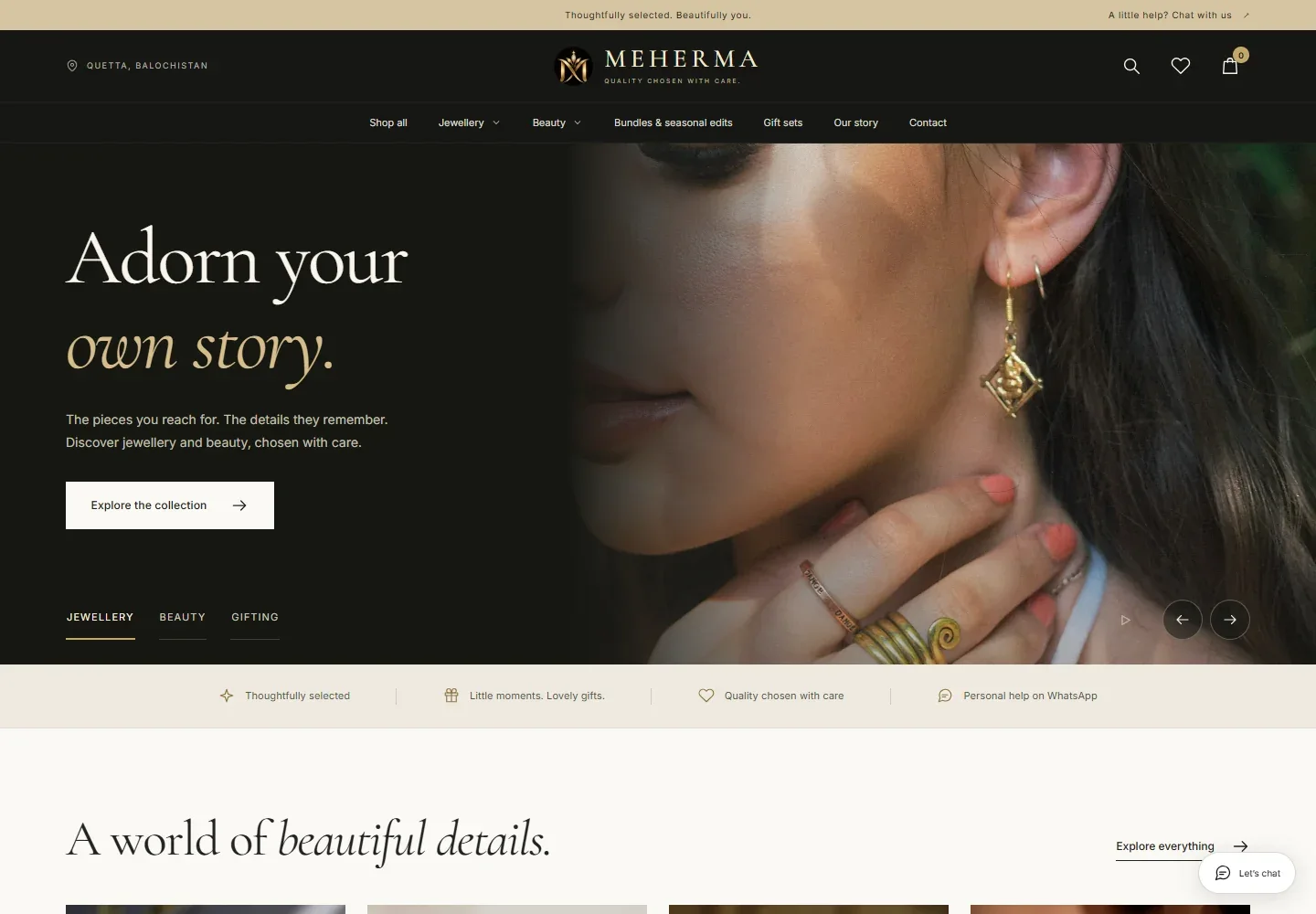
Abdali Baba Foods

Recorded public navigation through the Abdali Baba Foods storefront, Dry Fruits collection and a product detail page. No items added to cart.

Explore the case study
Read the walkthrough
  1. Abdali Baba Foods. Recorded public storefront navigation.
  2. Browse the Dry Fruits collection and its product cards.
  3. Scroll through the catalogue without adding items to the cart.
  4. Open a product detail page to review the published description.

Proof in the work

Work you can
inspect.

Explore the interfaces, the decisions behind them and the documented stage of each project.

Each case study identifies its current stage, with screenshots where available.

The person behind the work

Meet Usman Sarwar.

Founder · Application analyst · Full-stack developer

Usman brings hands-on experience in enterprise applications, retail platforms and automation, turning complex business requirements into practical software.

Read the full founder story

Let’s make it happen

A difficult problem?
A good place to start.

Tell us what your business needs. We’ll help define the right software to build.

Discuss your project